PiMagic Studio
Installation and other information about PiMagic Studio
-
Installation
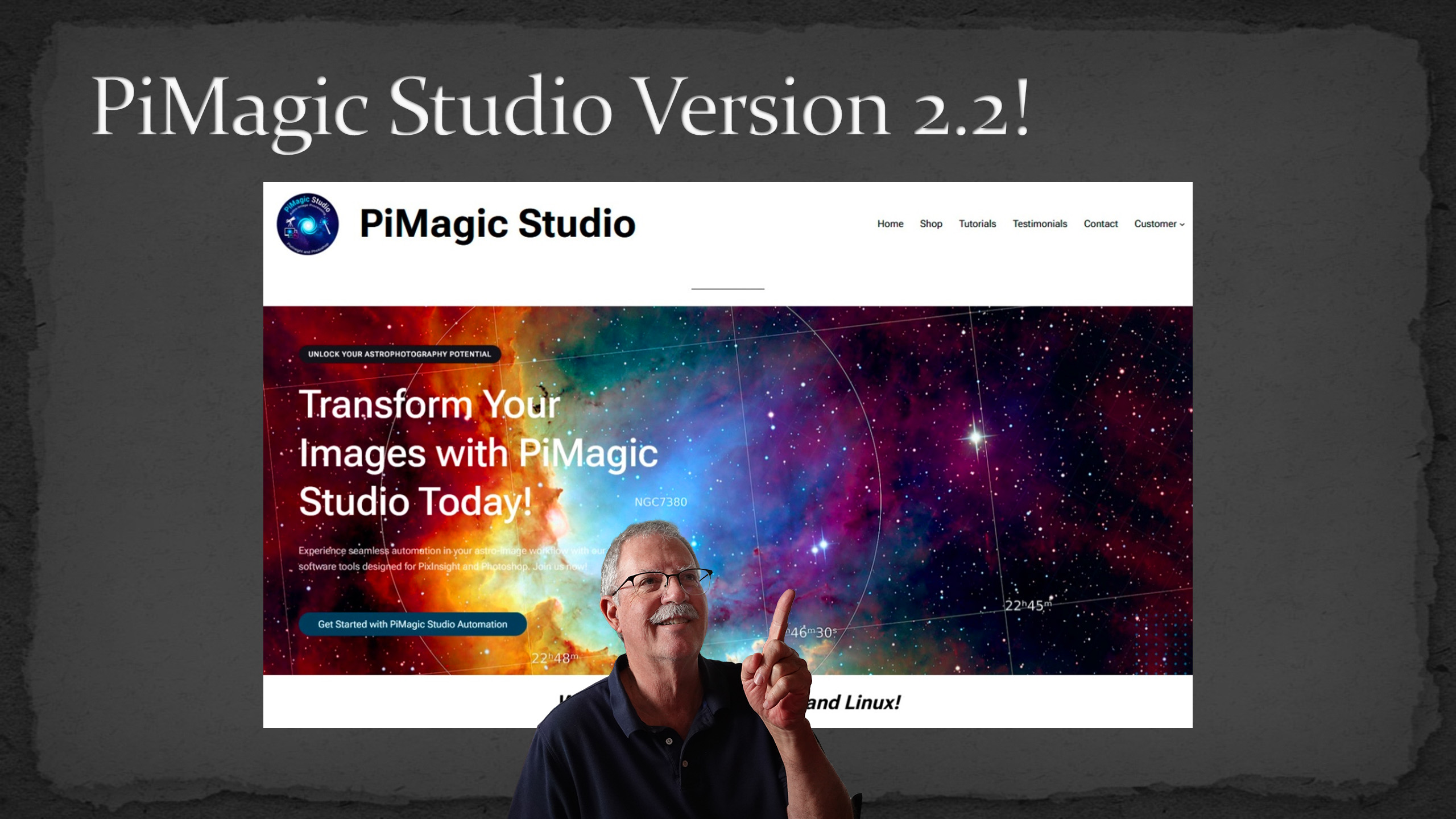
Announcing PiMagic Studio V2.2, which is now compatible with PixInsight V1.9.4. Version 2.2 offers a streamlined user experience and greatly improves the workflow for deep space mosaics.
-
Mosaics
Mosaic processing greatly expands the usefulness of Pimagic Studio V2, and AstroMagic allowing you to easily and quickly create outstanding mosaic images. This new tool takes the drudgery out of astrophotography post processing in PixInsight and Photoshop so you can focus your time on the creative steps.
-
Installation
PiMagic Studio V2 is now installed entirely through the PixInsight Repository. Follow these simple steps and you’ll be up and running quickly.
-
Smart Mode
PiMagic V2 Smart Mode takes the guess work out of processing. It knows the best settings based on the type of image data you’re processing. Just load your files and start.
-
Expert Mode
Smart Mode makes processing easy, but sometimes you want more control. Expert Mode opens up the controls so you can control the process and parameters.
-
Layer Groups
Layers and layer groups are the fundamental building blocks of a Photoshop image. Fortunately, AstroMagic uses the same layer structure for every image so it’s easy to find your way around.
-
Global Adjustments
Every AstroMagic image includes a layer group labeled Global Adjustments. It’s used to adjust brightness, contrast, color, etc. of all of the combined image layers below it in the layer stack. It does not affect the stars, so you can easily balance the background and stars for just the right look.
-
Color Adjustments
Color images and layers may be the most common types of images. All color layer groups will have the same basic structure making the adjustments easy and familiar.
-
Monochrome Narrowband Color Mapping
Monochrome images captured with narrowband filters give us the opportunity to choose the color mapping scheme. The most common is the SHO or Hubble color palette, which is the default color scheme for AstroMagic.
-
Annotation Layers
One of the nice features of PiMagic Studio V2 is the inclusion of Annotations Layers. This video explains the three layers and how to work with them to fine tune your image.
-
Metadata Text Panel
PiMagic Studio is now able to capture image metadata, such as filters and integration time. That information is displayed in an editable Metadata layer group so you can easily keep it with your image.
-
Nightscapes
Follow along as we use AstroMagic to help process an image from a monochrome astronomy camera using a typical set of LRGB filters. PiMagic Studio takes the drudgery out of astrophotography post processing in PixInsight and Photoshop so you can focus your time on the creative steps.
-
Introduction to PiMagic Studio V2
Welcome to PiMagic Studio Version 2.0, the latest in the innovative set of software that makes astrophotography easy and fun. PiMagic Studio does all of the initial astrophotography pre-processing. Then, AstroMagic allows you to easily create a consistent, efficient and familiar workspace to finish processing your image.